
By: Espy Tryst
I had the joy of getting to test out the Fantasy Grounds program on Steam, specifically being able to GM a mini campaign, and I knew this was going to be a blast. In the past I had GM’ed a decent number of games, from D&D 3.0 to Pathfinder, to Mutants & Masterminds, to oWoD, to… well, you get the idea. Sadly, when it came to online play, it normally ended up being IRC with dicebots and an updated-every-few-minutes Paint image (yeah, not as old school as MUDs, but still pretty old).

Image credit: SmiteWorks / Fantasy Grounds
I went into the program with pretty high hopes and was not disappointed. The layout is very easy on the eyes, not cluttered as some programs tend to be, but how easy and intuitive the program is overall is amazing. To the side is a bar of common things, such as PC sheets and a Library for looking up and loading various rule sets for Players, and GMs have those in addition to Story, Maps, NPC, Items and Notes; allowing you to look through story bits, maps, NPCs, and Items to view, edit, or create things for the campaign, with Notes being a nice big notebook for each campaign. Along the bottom is a row of dice for easy rolling, simply drag whatever dice you need into either the chat, or onto an enemy/object on a map to declare the results. Also on the bottom is a hotkey bar so rolls that might take a bit to set up can be saved for very easy access.
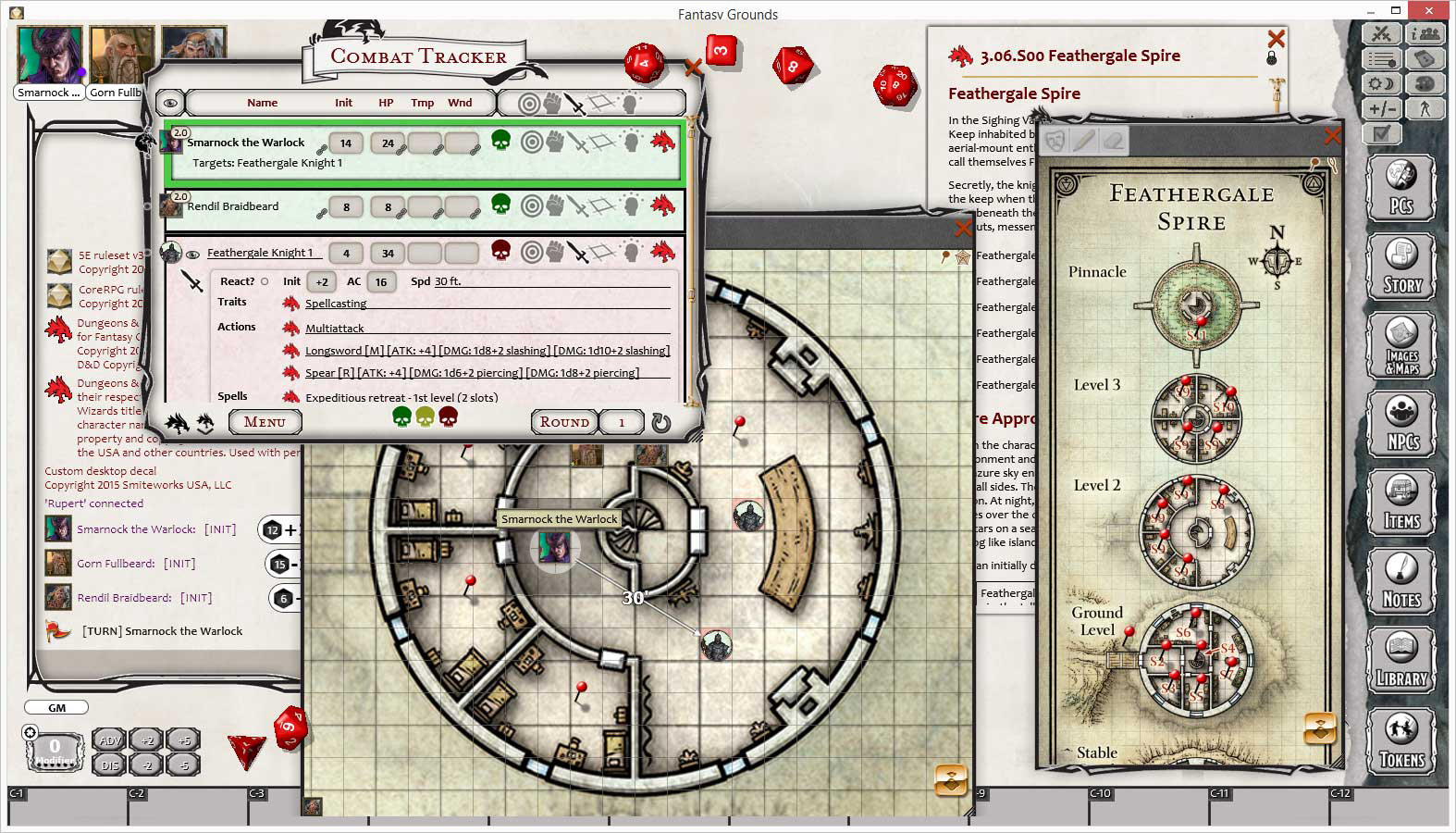
Image credit: SmiteWorks / Fantasy Grounds
Where this program really shines, though, is in its automation: In each character sheet, be it PC or NPC or enemy, you are able to do many rolls with a simple click and drag. Want your Fighter to attack a Kobold? On your sheet is an attack (and a damage) blurb that you simply click then drag to the Kobold on the map, it auto-rolls your attack and calculates it against the Kobold’s armor, then states if the attack is a hit or a miss (showing the roll in chat, of course), then simply do the same with damage, which it automatically deducts from the Kobold’s HP. The whole thing allows you to be focused on the story, the battle, the *gasp* role-playing! (OK, side note, but the environmental lighting change, being able to tint your and the players’ screens a specific color to highlight night, being around a campfire or in a forest, is one of the coolest things ever.)
In addition to the awesome things it does for DURING the game, it does equally awesome things for a GM in setting up the game and campaign. Not only does it have TONS of content which can be bought and downloaded from the site, but it allows you to create your own content incredibly easily. From creating some new enemies (including setting a token image to them) to new gear (I LOVE making custom magic gear for my campaigns!) to using your own maps (with an awesome little tool to set how large the grid is for moving around on it) to, and probably the most amazing, setting up push-pins to link specific rooms/areas/events to story events (no more having to have a few windows open on “if they do this, this happens” notes, just have a push-pin for each room and click on it as they explore), this program has it all.
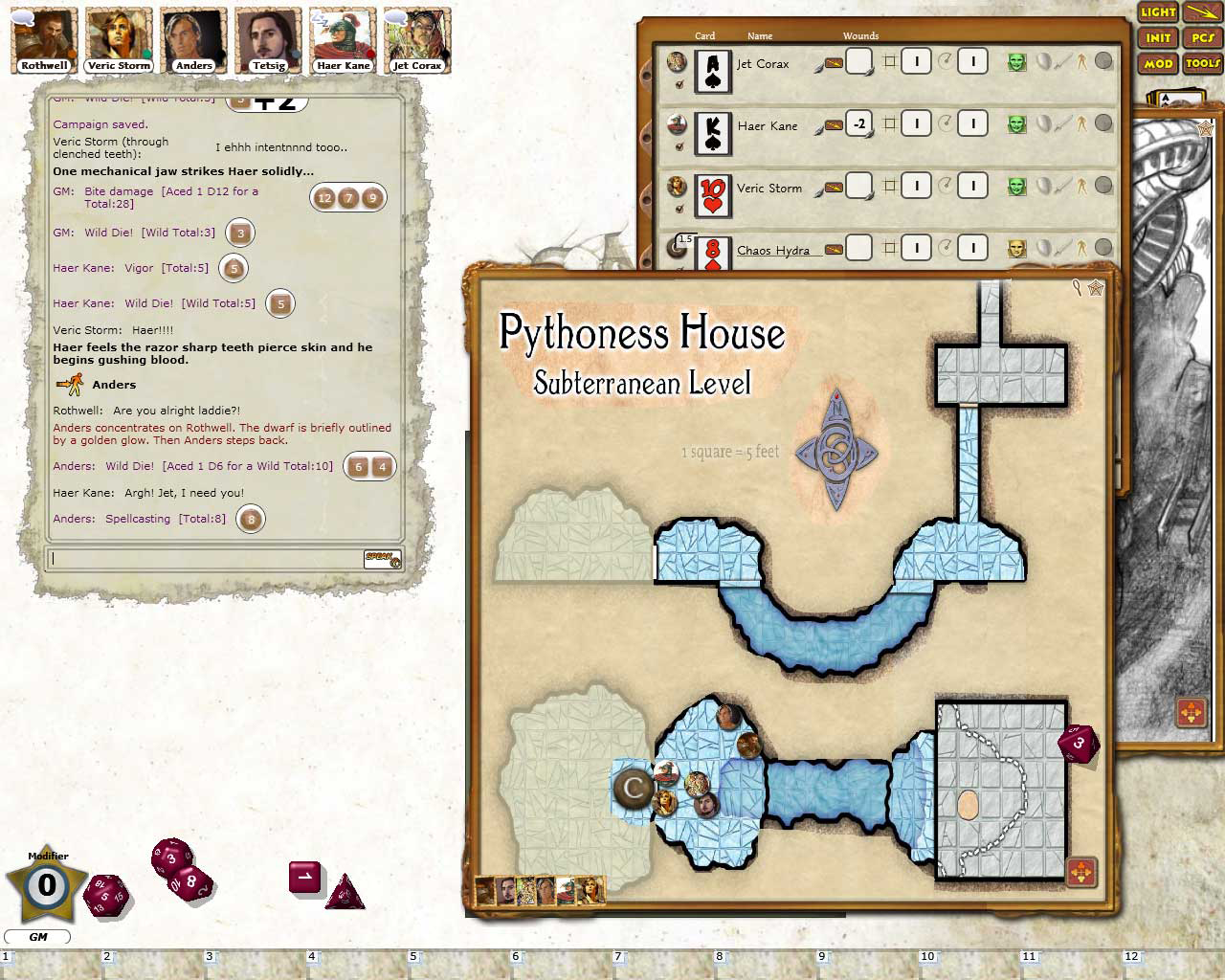
Image credit: SmiteWorks / Fantasy Grounds
And now a change of Narrator:
Hello, I’m Fionna Fox, a player with some experience in pen-and-paper RPGs, but this is my first experience using a virtual tabletop program. I found Fantasy Grounds to be very easy to use, even for a first-time player. The interface was intuitive, and I was able to create a character and join a game with little trouble. The automation helped a lot, as I didn’t have to remember every rule or calculation — the program handled the dice rolls and math for me, letting me focus on playing my character.
In short, Fantasy Grounds seems to be a great tool for both experienced GMs and new players. It takes some time to learn all of its features, but once you do, it makes playing tabletop RPGs online much easier and more enjoyable.
After I finish this review, I plan to continue using Fantasy Grounds for my own games, and I would recommend it to anyone looking to play D&D or other RPGs online.
Overall, Fantasy Grounds is a powerful, flexible virtual tabletop that is well worth the investment for any serious tabletop gaming group.
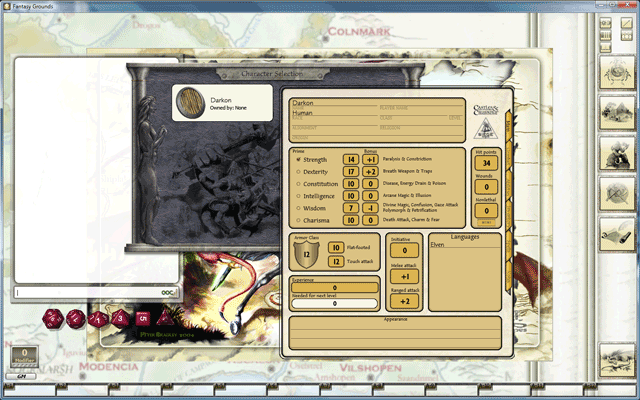
Image credit: SmiteWorks / Fantasy Grounds
Image credit: SmiteWorks / Fantasy Grounds
As a side note: Fantasy Grounds can be obtained on Steam, and various rule sets and adventures are available as downloadable content.